Social Media Team Management
notion
5$
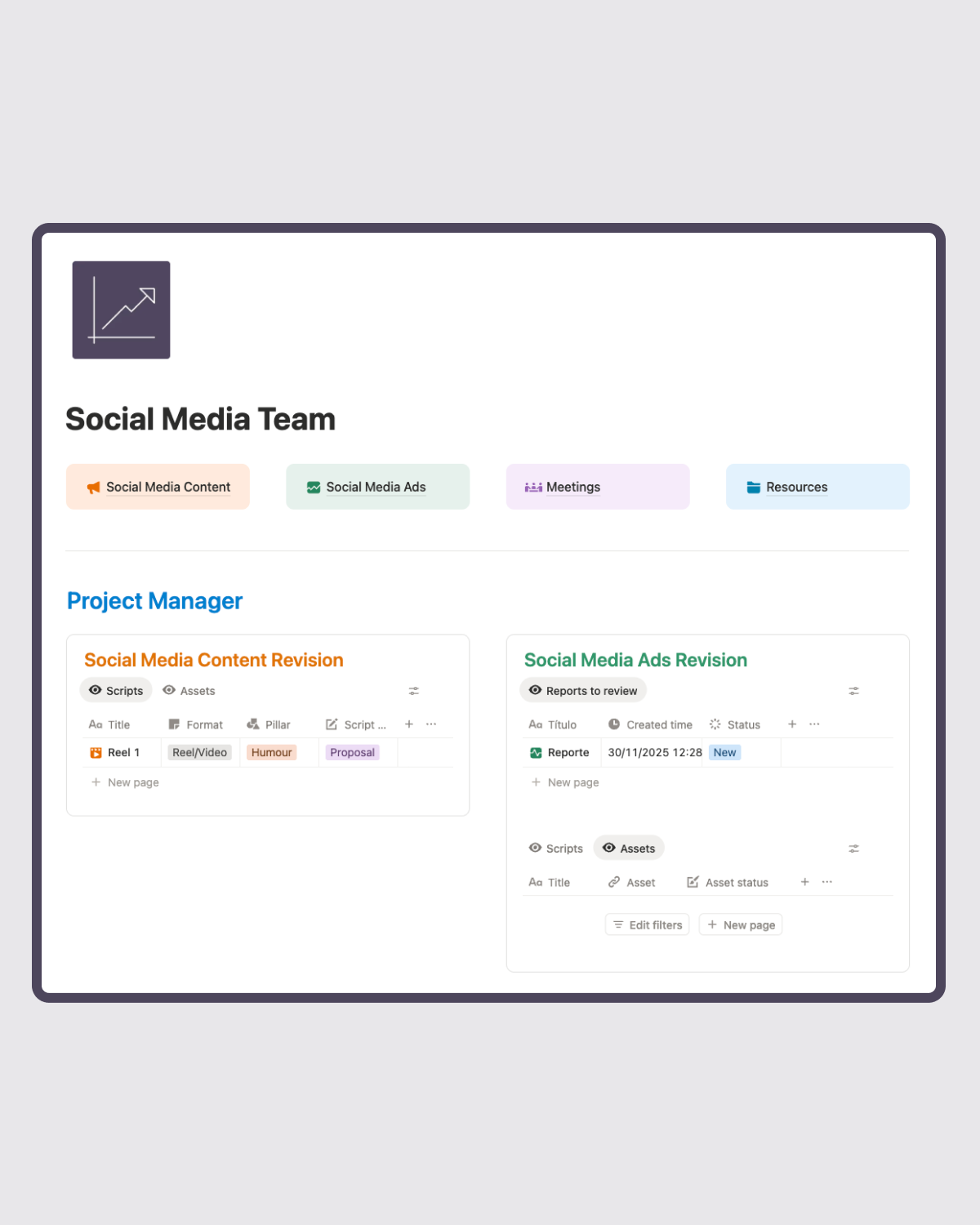
This Notion template is designed for managing social media content, ads, meetings, and team resources with a clear, automated workflow. It includes dedicated pages for content creation, publishing, strategy planning, and ad campaign tracking, along with a Project Manager section for reviewing scripts, assets, and reports.
The Social Media Content system lets you plan weekly strategy, automatically duplicate it into creation tasks, script and prepare assets, and move posts through approval, scheduling, and publishing. Published content is organized by platform and becomes ready for performance tracking after three days.
 Buy now (5$)
-
Social Media Content Section
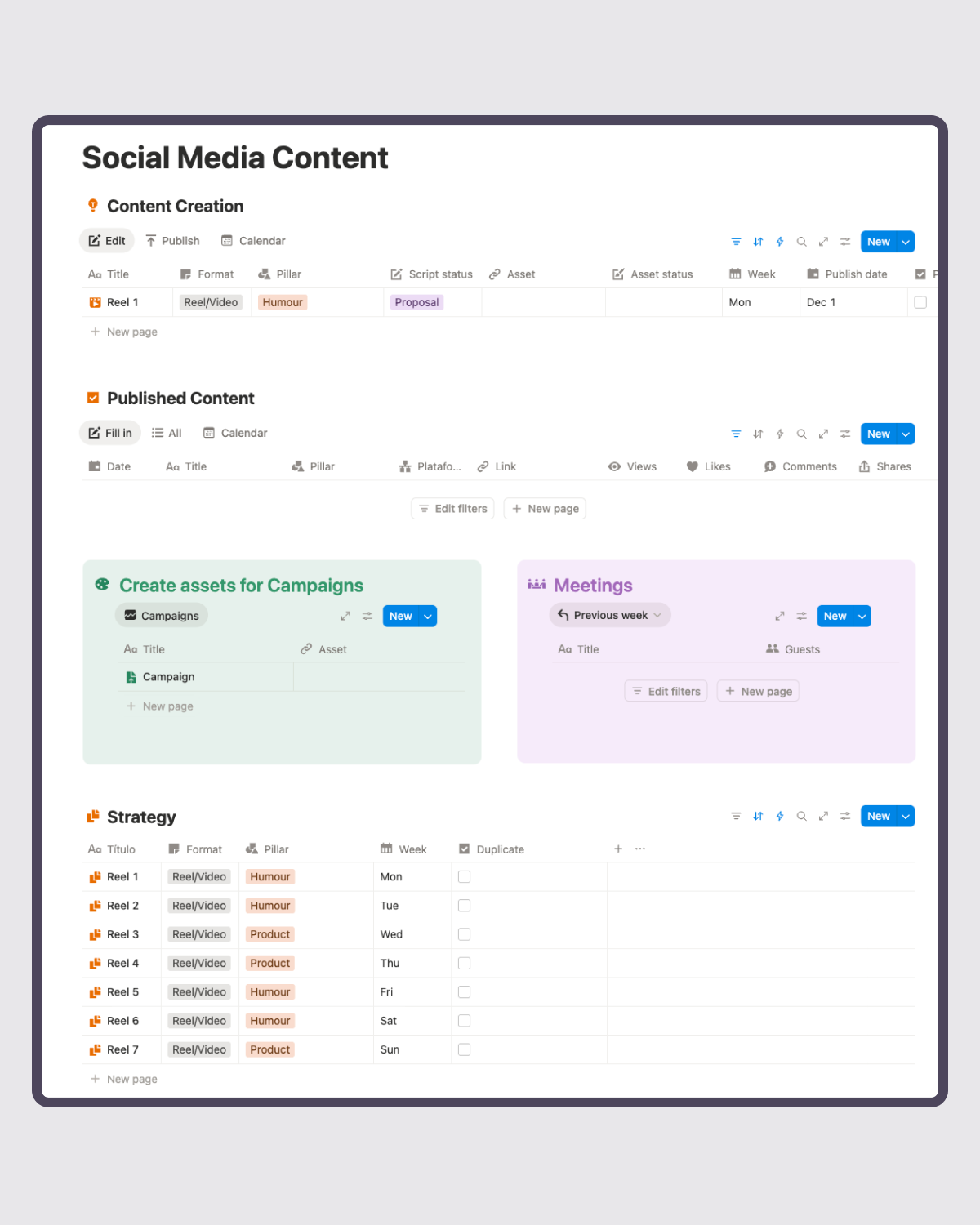
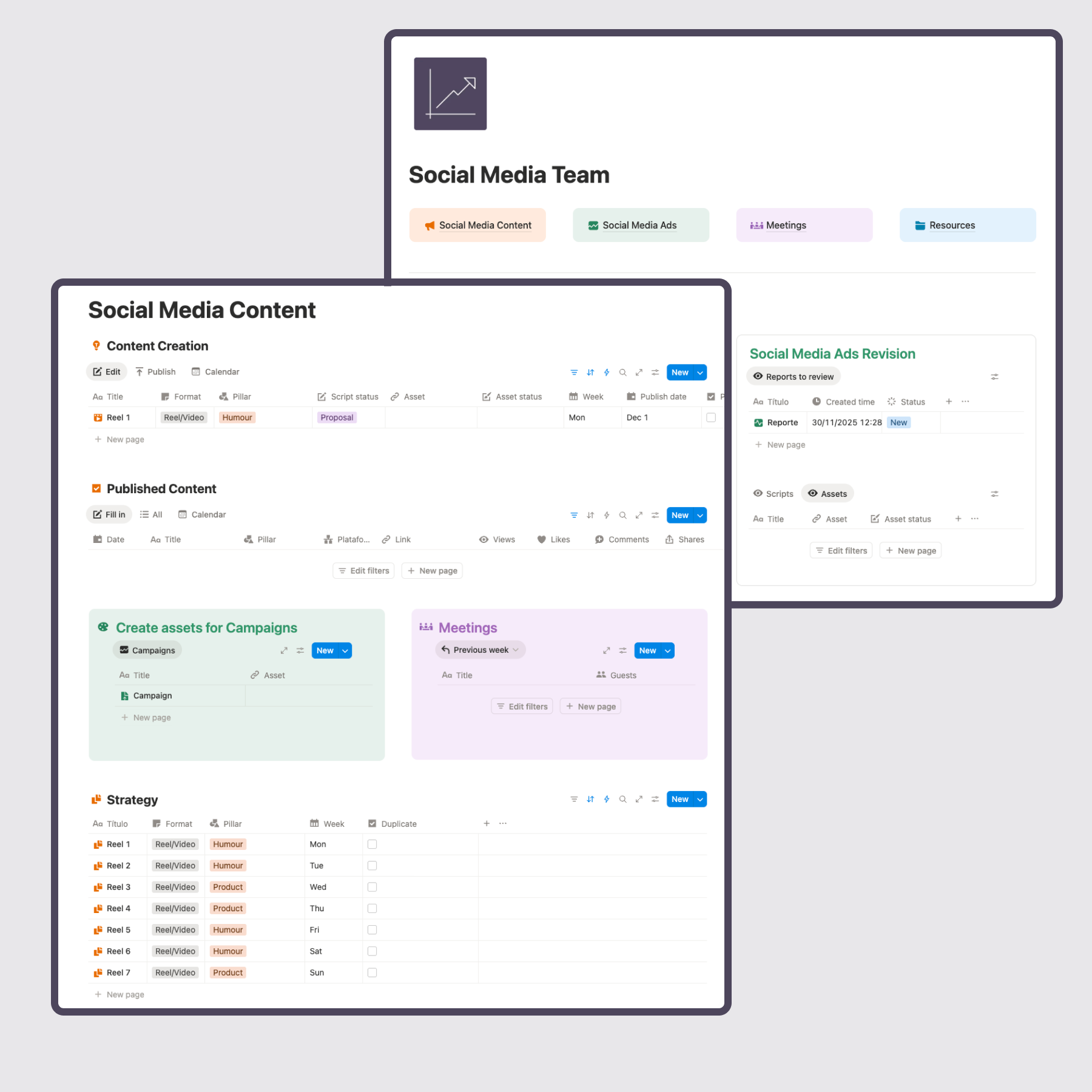
Here we have 3 sections, Content Creation, Published Content, and Strategy.
- Strategy: This is where you set up the content strategy plan for each week. Every Sunday or Monday, select all, change property duplicate to checked, and they will duplicate to Content Creation. Publish date will be added automatically based on your chosen week.
- Content Creation: Once the strategy is placed here, it is ready to create a script, add an asset, and program it. Change the programmed? property to checked, and it will duplicate it to the Published Content section.
- Published Content: Once they have been published for over 3 days, they will appear under the Fill in view. This means they are ready to track their views, likes, etc.
-
Social Media Ads Section
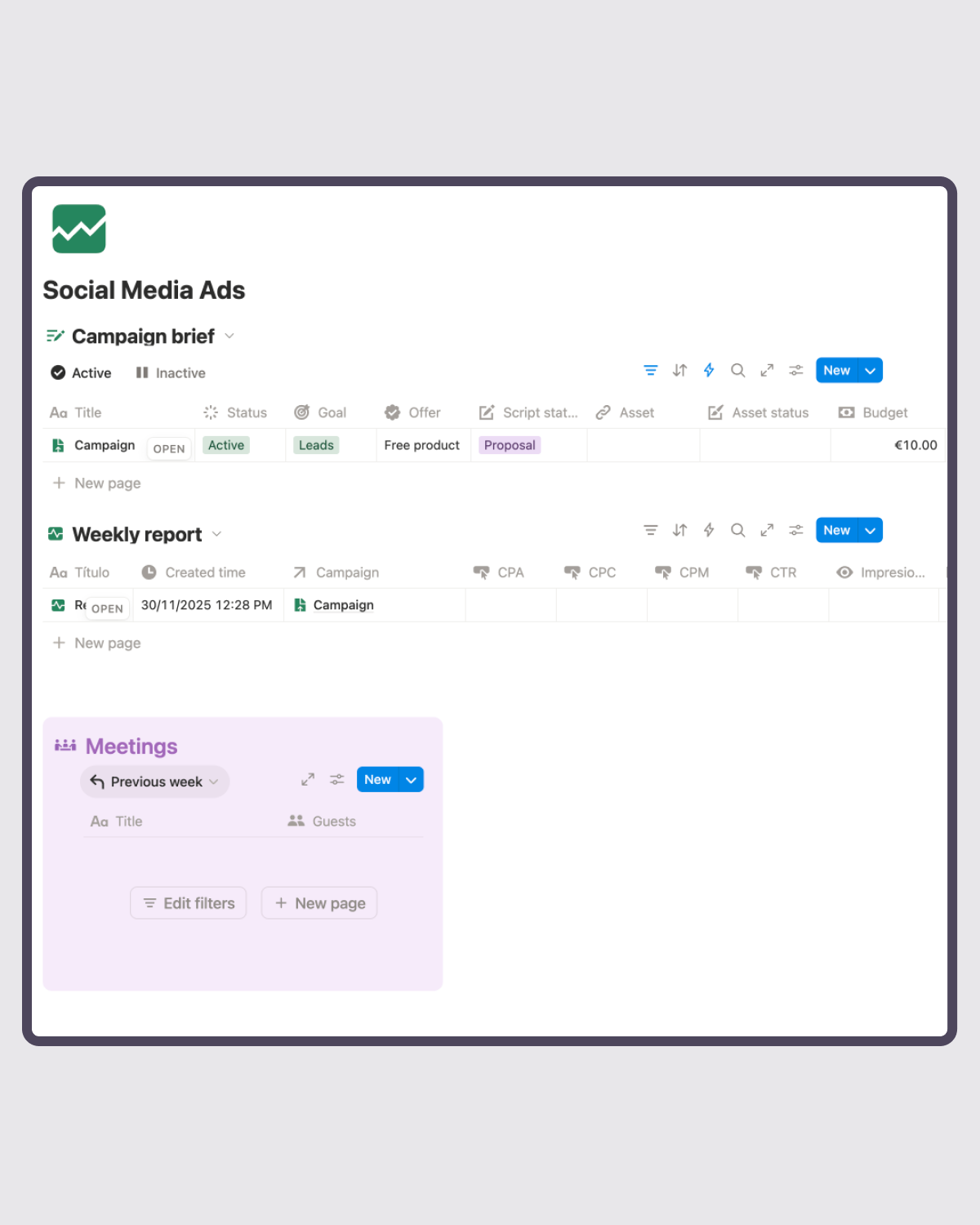
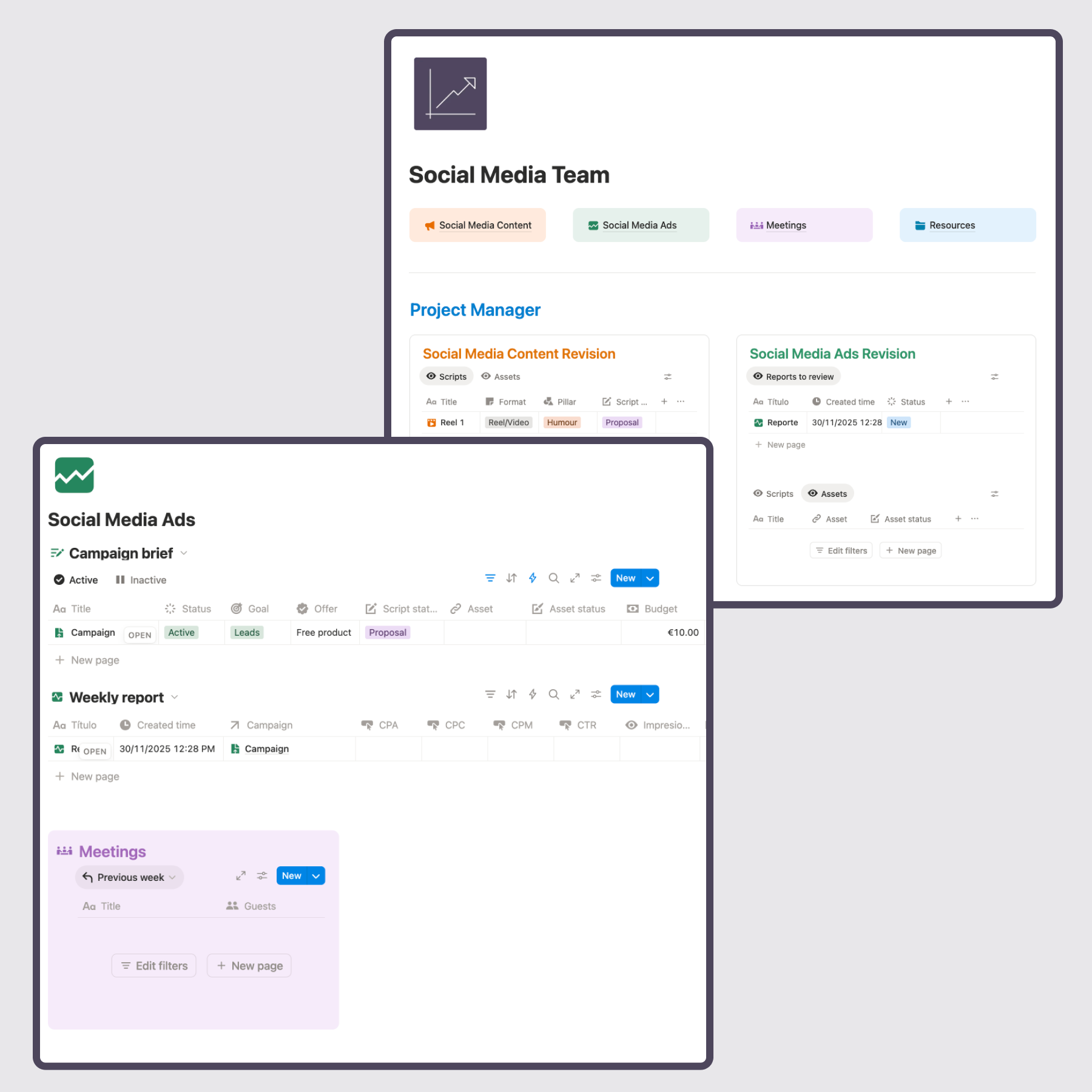
Under Social Media Ads, we have a section of Campaign briefs, sorted by Active and Inactive. There is also a section for Weekly reports, to include in each one what was learned and what could be improved.
The Meetings section includes a feature for AI summaries (for those on the Notion paid plan), and also to add guests, which they can then view in their own sections.
The Resources section is for linking to a Google Drive.
Buy now (5$)
FAQs About Notion Template Social Media Team Management
What Is Notion?
Notion is a workspace app that lets you organize information using pages, databases, notes, and tasks. It can function as a planner, project manager, or all-purpose dashboard.
What Is a Notion Template?
A Notion template is a pre-built setup you can duplicate into your workspace. It gives you a ready-made structure so you don’t have to build everything from scratch.
Can I Use This Template if I’m New to Notion?
Yes. The template is beginner-friendly and already structured for you. You only need to fill in your goals, tasks, routines, and health information.
Do I Need a Paid Notion Plan to Use This Template?
No. This template works on the free version of Notion. However, it includes automations which are not editable under the free plan.
How Do I Get Started With a Notion Template?
After purchase, you’ll receive a link. Open it, click “Duplicate” in the top-right corner, and it will be copied into your workspace. From there, you can customize it as you like.
Can I Use This Template on a Phone or Tablet?
Yes. Notion works on desktop, iOS, and Android, and the template functions on all devices.
What Is Included In This Template?
This template includes four core pages—Social Media Content, Social Media Ads, Meetings, and Resources—each designed to cover a different part of your marketing operations. It also includes a dedicated Review section where a project manager can check scripts, assets, and reports before they move forward. Together, these pages create a full workflow for planning, creating, approving, publishing, and analyzing content and ads.
How Does The Weekly Strategy Work?
In the Strategy section, you outline the full content plan for the week: titles, formats, content pillars, and the day each piece should go live. At the start of the week, you simply select all items and check the “duplicate” property. This automatically sends them to Content Creation and assigns the correct publish dates based on your chosen week. It saves time and keeps your team aligned on what needs to be produced.
How Do Scripts And Assets Get Approved?
Inside Content Creation, each planned piece of content gets its script, asset, and scheduling details. Once both the script and assets are approved by the Project Manager, the item automatically moves into the Publish view of the section. This makes it clear which pieces are fully ready to be programmed, reducing confusion and keeping your production process organized.
How Does Published Content Tracking Work?
When something is marked as programmed, it duplicates into the Published Content section. Video-based formats like reels or short-form videos automatically duplicate twice—one for TikTok and one for Instagram—while stories and carousel formats duplicate only once for Instagram. After the content has been published for three days, it appears in the Fill In view, where you can track views, likes, engagement, and any other metrics you want to monitor.
How Are Ads Managed?
The Social Media Ads page is split into two main parts: Active Campaigns and Inactive Campaigns. You can create briefs for each campaign, store important details, and keep everything structured for easy reference. There’s also a Weekly Reports section where you can document performance, insights, learnings, and opportunities for optimization. It keeps your ad operations transparent and easy to review over time.
Can I Use This System With My Team?
Yes. This template is designed for teams with content creators, editors, project managers, and media buyers. The workflow clearly shows who needs to act next, which tasks are ready, and what’s pending approval. It reduces back-and-forth, prevents missed deadlines, and ensures everyone follows the same structured process.
What If I Need Help Setting It Up?
If you need guidance setting up the template, email me at hello@palomachiara.com. Whether it’s adapting the workflow to your specific team, customizing the databases, or tweaking automation logic, you can reach out and get support to make sure everything works seamlessly for your needs.
About the Author

Paloma Chiara
Certified Life Coach
Guiding you toward your best self through mindful transformation.
Contact me
Still waiting for the 'perfect time'?
Email me what you'd do if you stopped making excuses. We'll work backwards from there.
Let's start
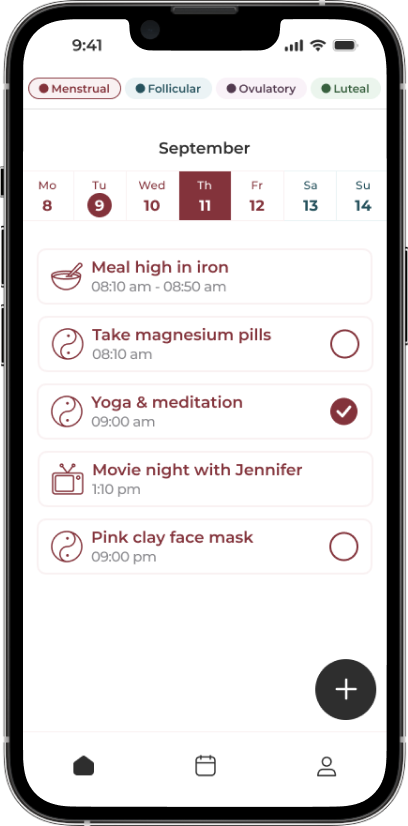
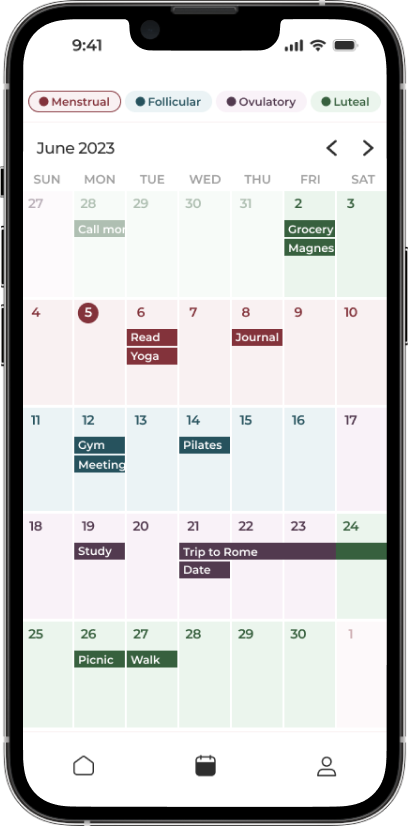
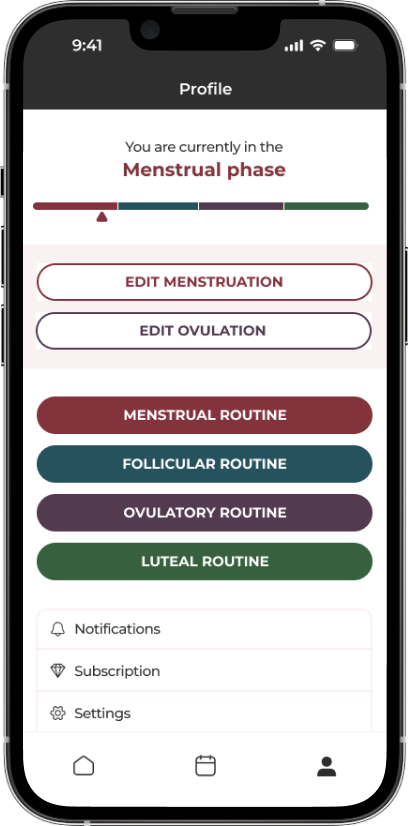
The App Made To Sync Your Lifestyle to Your Menstrual Cycle.
A solution for women who are looking to keep track of what they sync to their cycles, such as fitness, diet, etc. by adding it to a calendar that also predict their phases.
Learn more